Sound Buttons, Explained by Someone Who Presses Them All Day

Asound button is exactly what it sounds like: one tap, one instant clip. Put a few hundred of them on a page, sort them into categories, and you have a meme soundboard. People type "sound buttons" into Google Search every single day, in every language, because a well-timed sound meme says more than a paragraph ever could. The joke is in the timing, and a button beats a file manager every time.
This site is a meme sound board built for exactly that timing. The clips are short, the buttons are big, and nothing loads until you press something, so playback feels instant even on slow public Wi-Fi. Whether the moment calls for a Vine Boom, a flat Bruh, or a suspiciously realistic fart, the right noise is two taps away at most.
What separates great sound effect buttons from filler
After curating thousands of clips, a pattern shows up. The sound buttons people press over and over share three traits:
The best meme sound buttons run one to three seconds. The Apple Pay chime works because it's over before anyone can react.
Funny sound effects front-load the punch. Nobody waits through a slow fade-in.
A great clip survives being pressed forty times in one Discord call. The rizz sound effect, the 67 clip, and the FAAAH scream pass this test; most long movie quotes don't.
The soundboard sounds people hunt for first
Every soundboard has its royalty. These are the meme soundboard buttons that get searched, shared, and spammed the most, and the ones worth learning by name:
Why some of these survive a decade while others vanish in a fortnight is its own subject — why viral audio never gets old digs into what actually makes a clip outlast the platform it came from.
If a clip survived a decade of memes, it earned its button.
- Vine Boom
- Bruh
- MLG Air Horn
- Sad Violin
- Roblox oof
- Emotional Damage
- Metal pipe falling
- Taco Bell bong
- Clash Royale laugh
- Tuco's “Get Out”
- Windows XP error chime
These sound effect buttons are the punctuation marks of streaming and video editing.
- Censor beep
- Dun dun dunnn
- Wrong-answer buzzer
- Airhorn
- Applause
- Crickets
Meme audio crosses borders fast, too — Spanish, Portuguese, Turkish, and Indian sound memes regularly jump into English-speaking group chats.
- 67
- Italian Brainrot
- Tung Tung Tung Sahur
- Skibidi Toilet
- We Do Not Care
The library here grows toward whatever people actually press, and the trending board is picked by a human curator, not an inflated counter. Missing a clip you expected? Suggest it and it goes on the list.
Sound Buttons Unblocked: School, Office, and Library
A huge share of soundboard searches include the word "unblocked," and the honest answer is refreshingly boring: this is a plain, browser-based website. No installation, no registration, no app store. It runs anywhere the Chrome browser runs — a school Chromebook, a library desktop, an office laptop. There's no download step for a network filter to flag, because nothing gets installed. If a school firewall blocks the site itself, that's the administrator's call, and we won't pretend a VPN trick is a feature — it isn't, and it can break school rules. What we can promise is that the site itself never asks for an account, a plugin, or a permission. The soundboard unblocked guide walks through each of those cases and where the honest limits are.
Teachers use the quieter end of this library on purpose, by the way: a soft ding or a bell from the kids-safe board makes a cleaner classroom transition signal than shouting over thirty students.
No barriers
- No installation or app store
- No registration or account
- Runs on Chrome anywhere, school Chromebooks included
- No plugin or permission requests
Funny Sound Effects on Discord, Twitch, TikTok, and Zoom
Different platforms want meme sound effects delivered differently, and it helps to know the route before the moment passes:
- Discord
- Best route
- Upload the MP3 to the built-in soundboard
- Good to know
- Nitro raises the length limit for clips
- Twitch & YouTube streams
- Best route
- OBS media source bound to a hotkey
- Good to know
- Normalize volume so airhorns don't clip
- TikTok & video edits
- Best route
- Download, then drop on the timeline
- Good to know
- Land the sound a beat after the visual
- Zoom & Slack huddles
- Best route
- Play from a phone near the mic
- Good to know
- Read the room first. Seriously.
- Reddit, WhatsApp & group chats
- Best route
- Share the sound's direct link
- Good to know
- The link plays in the browser, no app needed
For live calls, the pro move is a virtual audio cable: it routes the browser's output into your mic input, so the whole Discord channel hears the button, not a muffled speaker. Our gaming and Discord soundboards guide covers that setup step by step, along with OBS hotkeys and the levels that keep chat happy.
A Sound Button Clicker for Every Device
- Desktop
- Tablet
- Phone
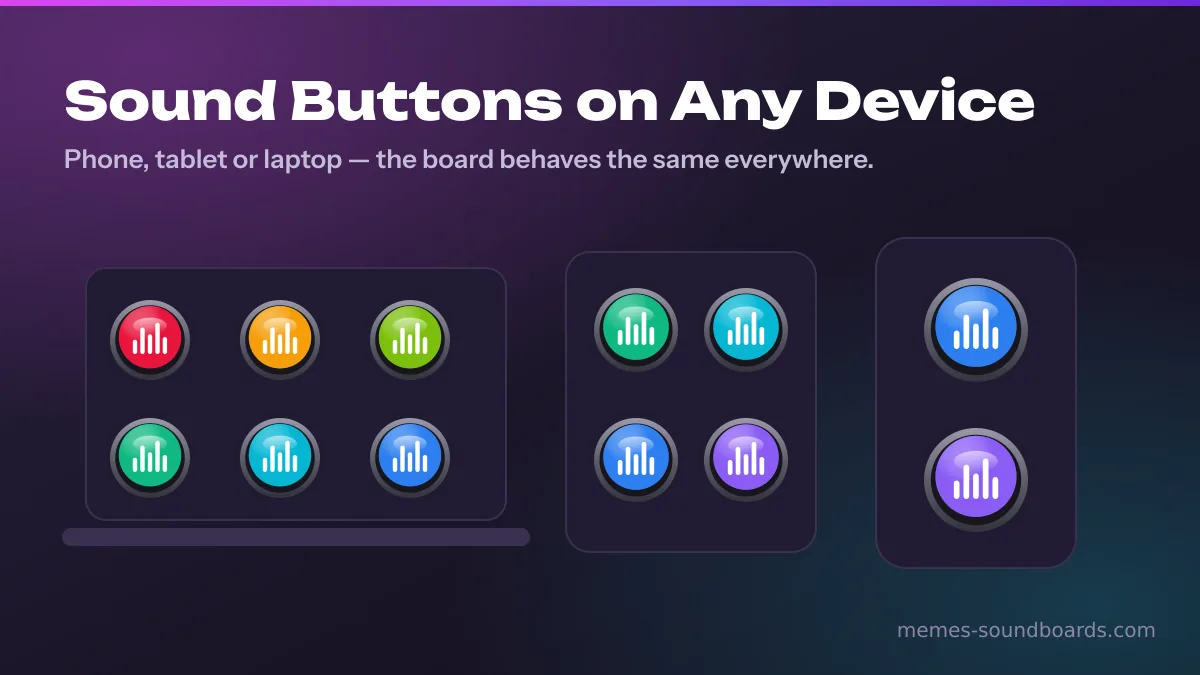
The board behaves the same on a desktop, a tablet, or a smartphone — iPhone or Samsung, it doesn't matter. One honest note about phones: every mobile browser blocks autoplay until you interact with a page, so your first tap wakes the audio engine and every tap after that is instant. That's a browser rule, not a bug, and it's the same reason the instant buttons with funny sounds in app stores ask for a tap before playing too. The difference is that here, the noise buttons never sit behind an install screen.
Who Actually Presses These Noise Buttons
The audience is wider than you'd guess. Streamers and gamers fire clips mid-match. Content creators and podcasters raid the library for transitions. Students trade funny sound buttons between classes, office pranksters and remote workers weaponize the Apple Pay chime near the coffee machine, and plain meme fans just enjoy pressing things. Getting a clip from this page into your own project takes four steps:
Hit Ctrl-K (or Cmd-K) and type what you remember — the name, a tag, or the category.
- 2
Tap the button to hear it. Tap again if it's funny. It usually is.
- 3
Open the button's menu and choose Download MP3, or copy the share link.
- 4
Drop the file into CapCut, OBS, or Discord's soundboard — or heart it and build your own custom soundboard in the favorites drawer.
Editors have their own version of this routine, built around sourcing speed and copyright rather than one-tap playback — the guide for content creators covers it. And if the plan is a room full of people rather than a timeline, meme soundboard party games turns the same board into something people actually play.
One more thing worth saying plainly: every clip in this library is supplied by the site's owner, each sound page carries a source field, and rights holders can request removal through the DMCA page at any time. A soundboard is only fun when it's built fairly.